Manual 1 - How to create an account in Eskuad?
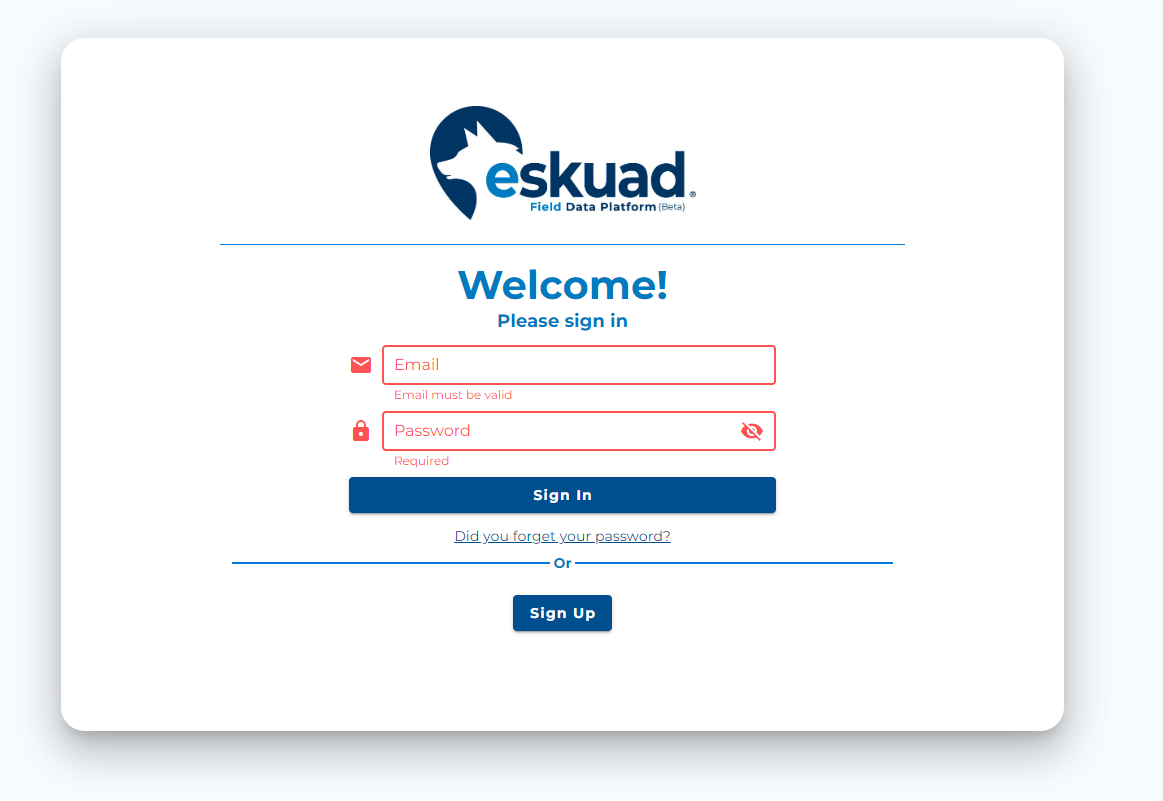
Video Tutorial:
Create an account on the web:
Go to the following website : https://app.eskuad.com/
Alternatively you click Get Started button at the top of Eskuad’s home page. home.eskuad.com
- Click “Sign Up”
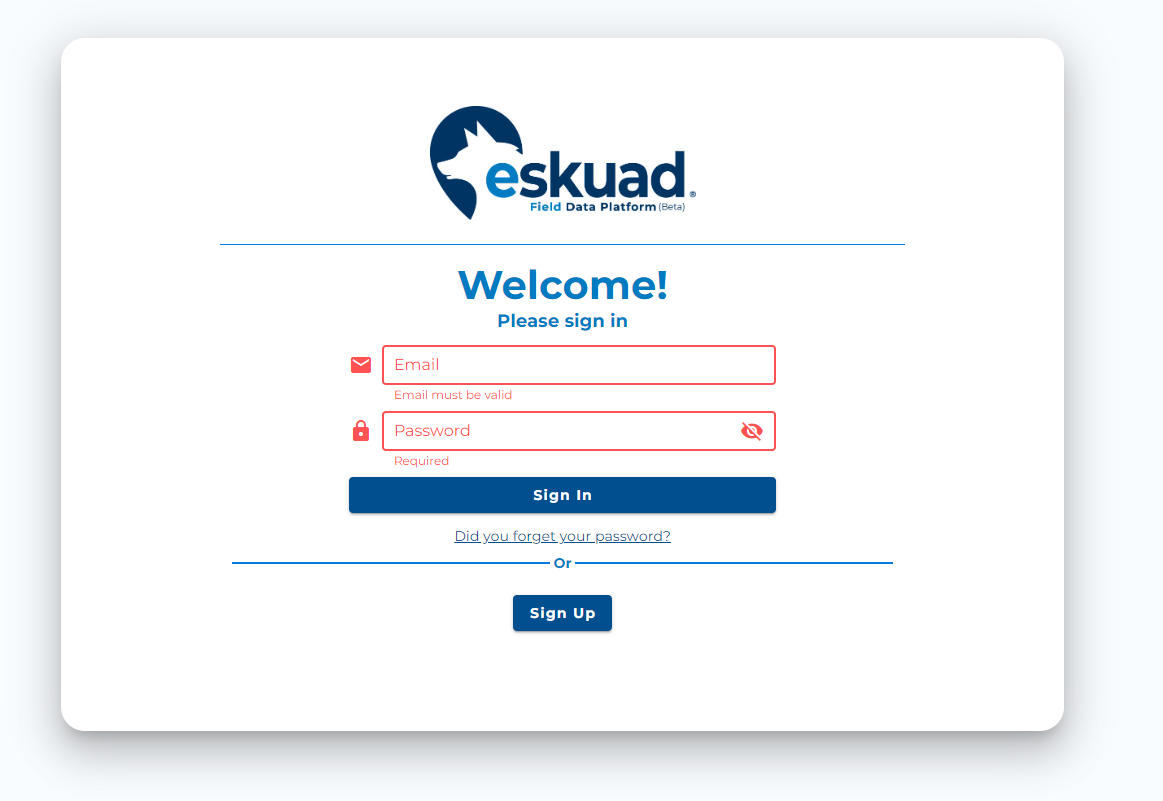
- Enter your first and last name
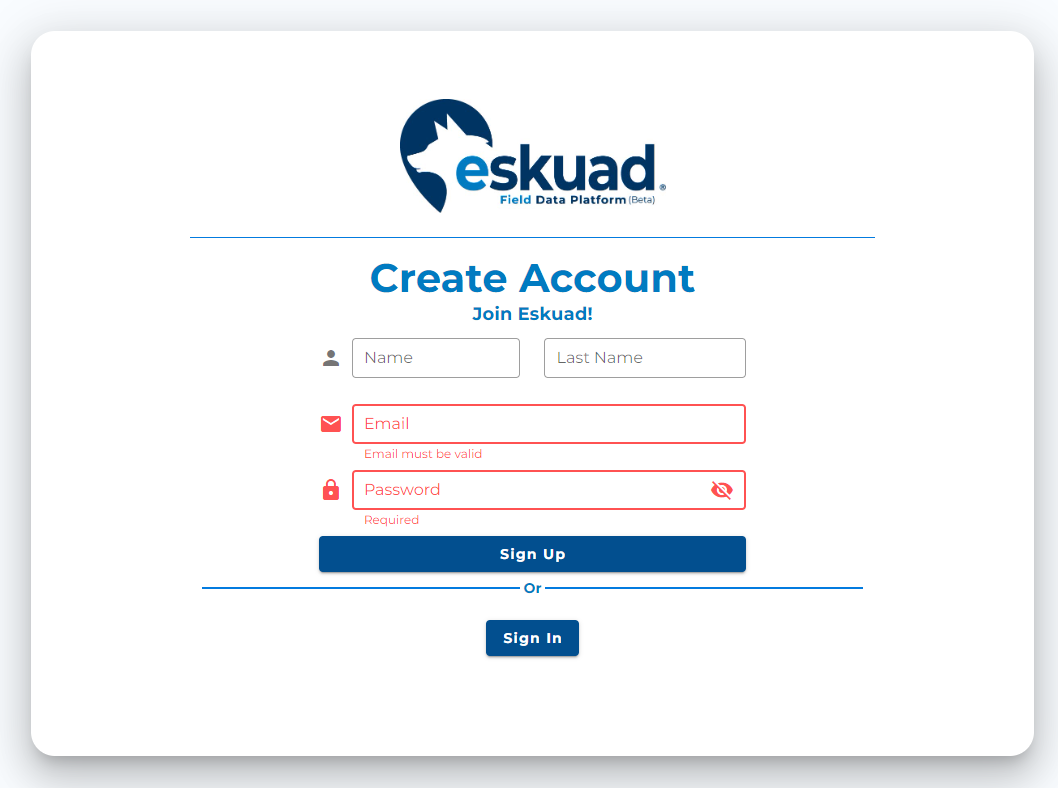
- Enter your email
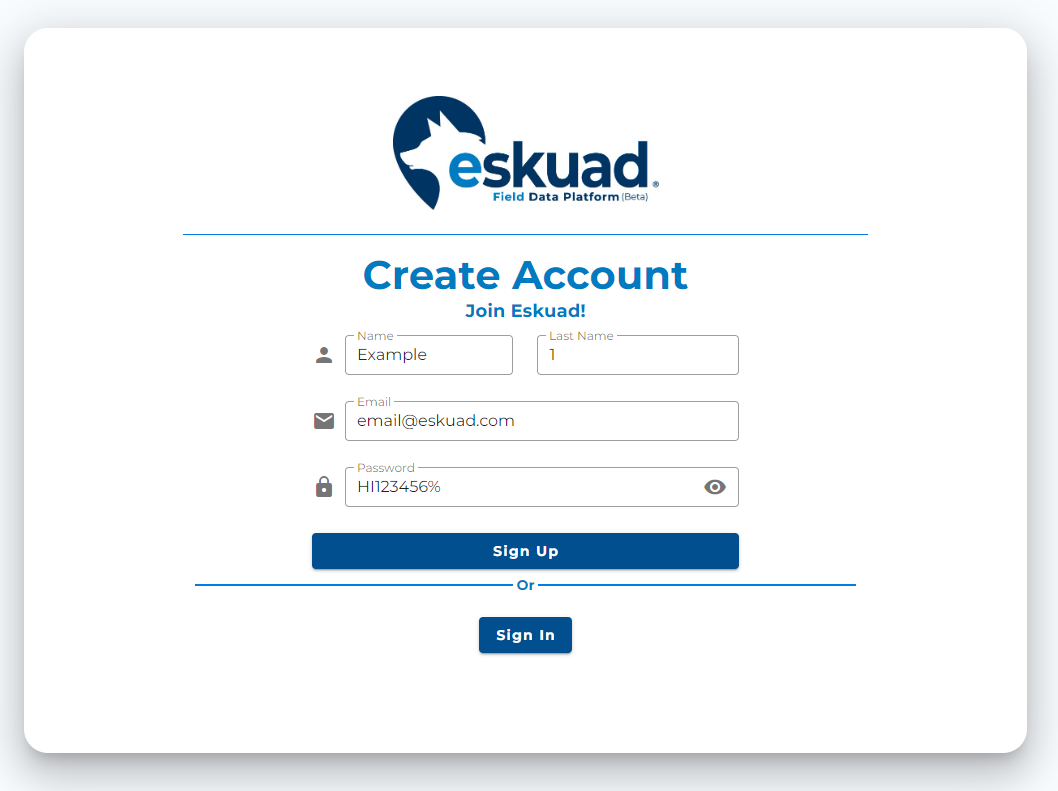
-
Finally, create a password with a minimum of 8 characters, 1 capital letter, 1 lowercase, 1 number, and 1 symbol.
-
Click the “Sign Up” button again.
-
Accept the terms and conditions.
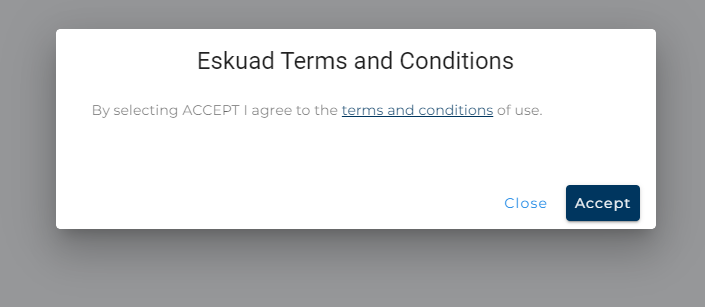
- You have successfully created a free Eskuad account. You can now log in with the account you just created either through the web panel (app.eskuad.com) or on the App. You can click the links below to access the application.
Create an account from the App:
- Download the application at:
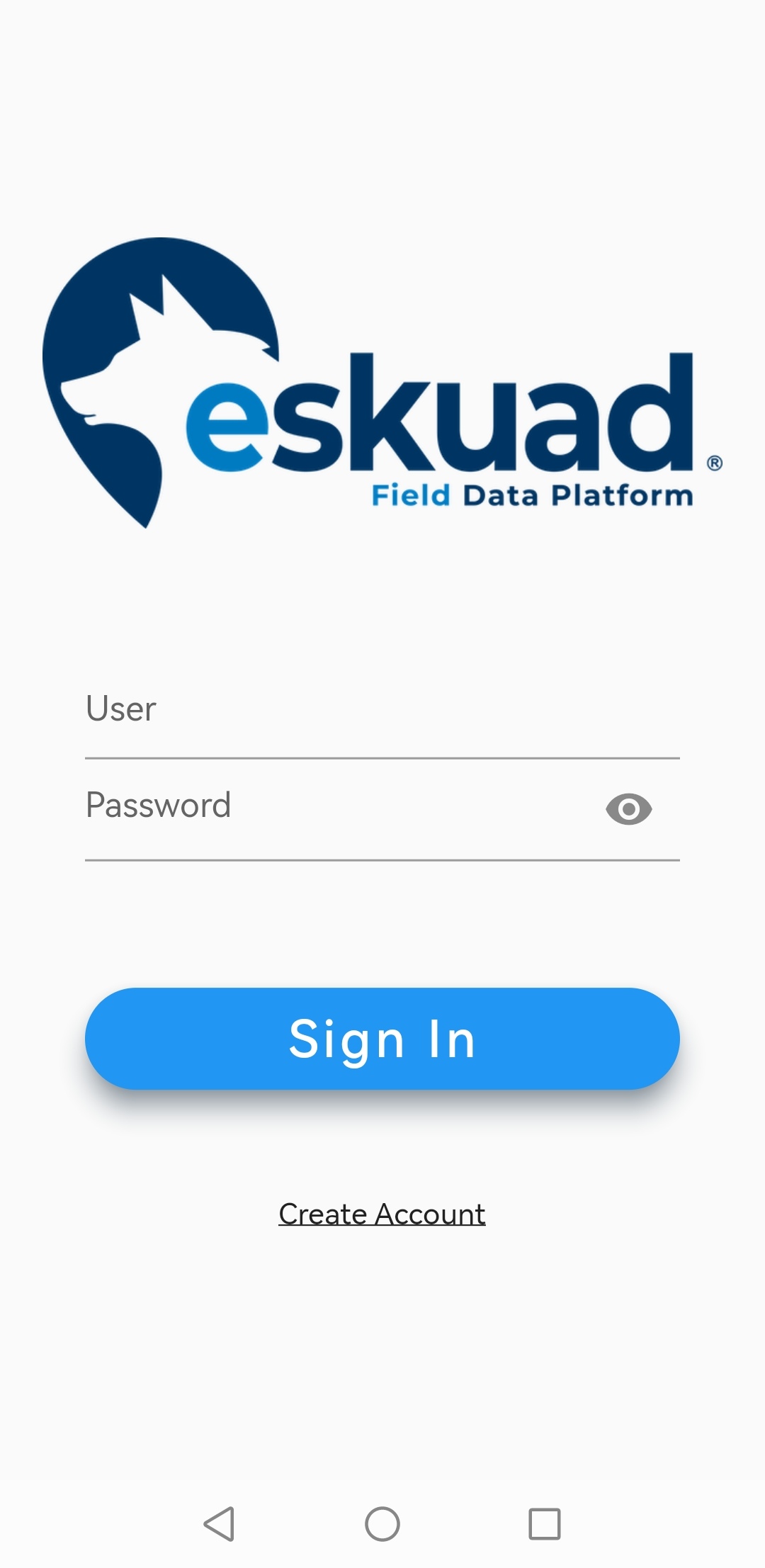
- Open the application
- Select “Create Account”
- Enter your first and last name
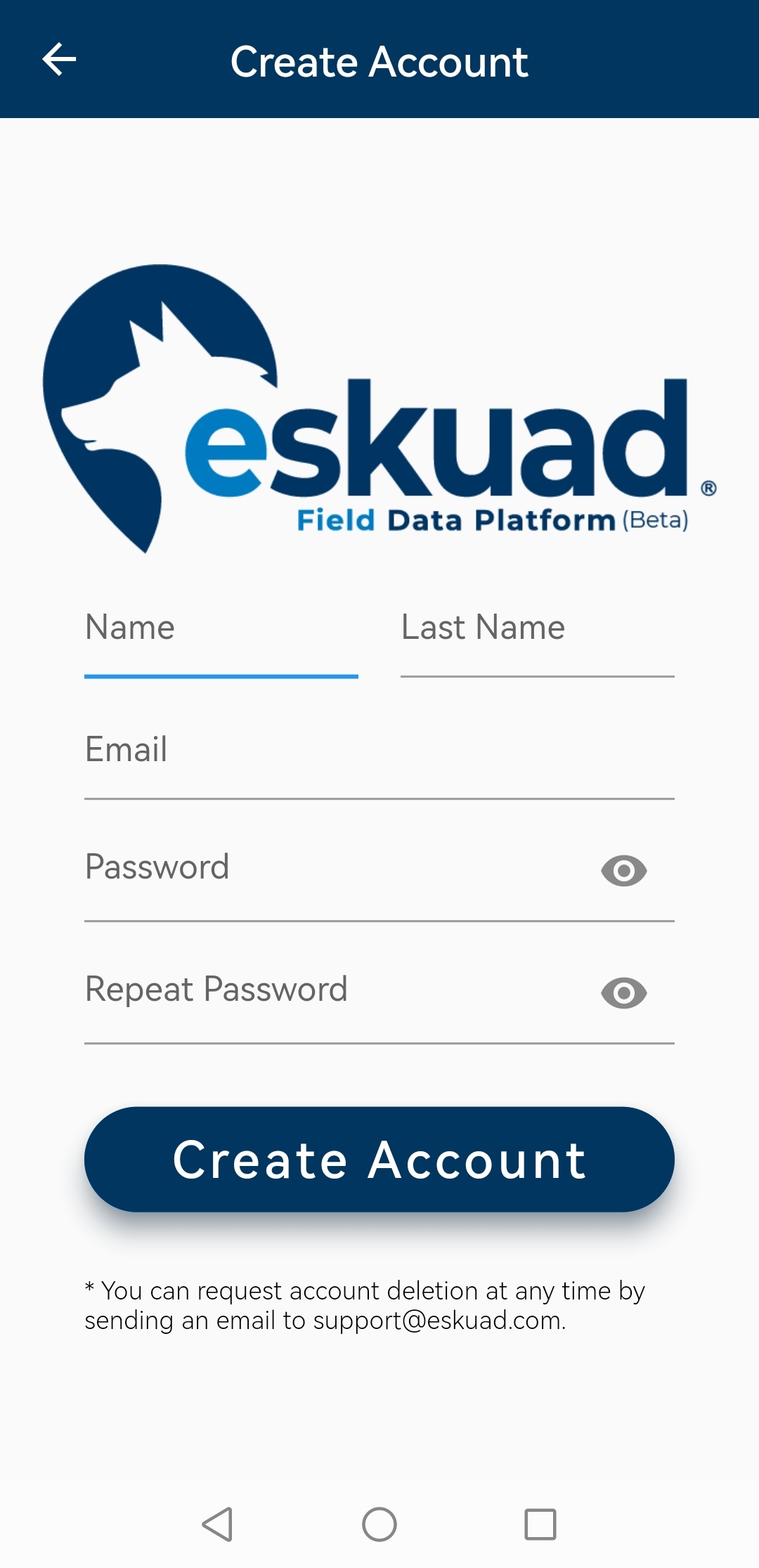
5. Enter your email
-
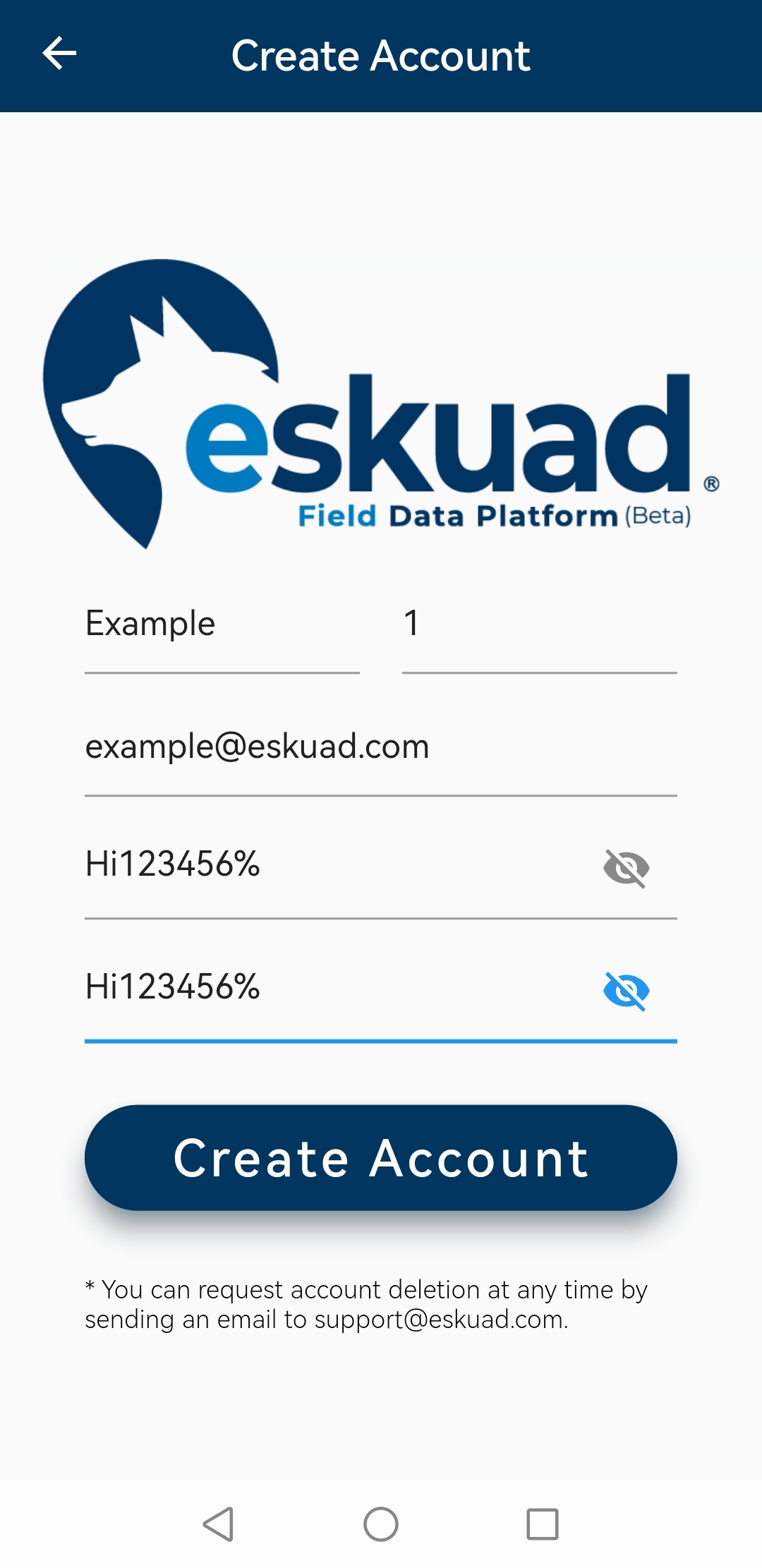
Finally, create a password with a minimum of 8 characters, 1 uppercase, 1 lowercase, and 1 symbol
-
Reenter the password to confirm
-
Click the “Create Account” button
-
Accept the terms and conditions
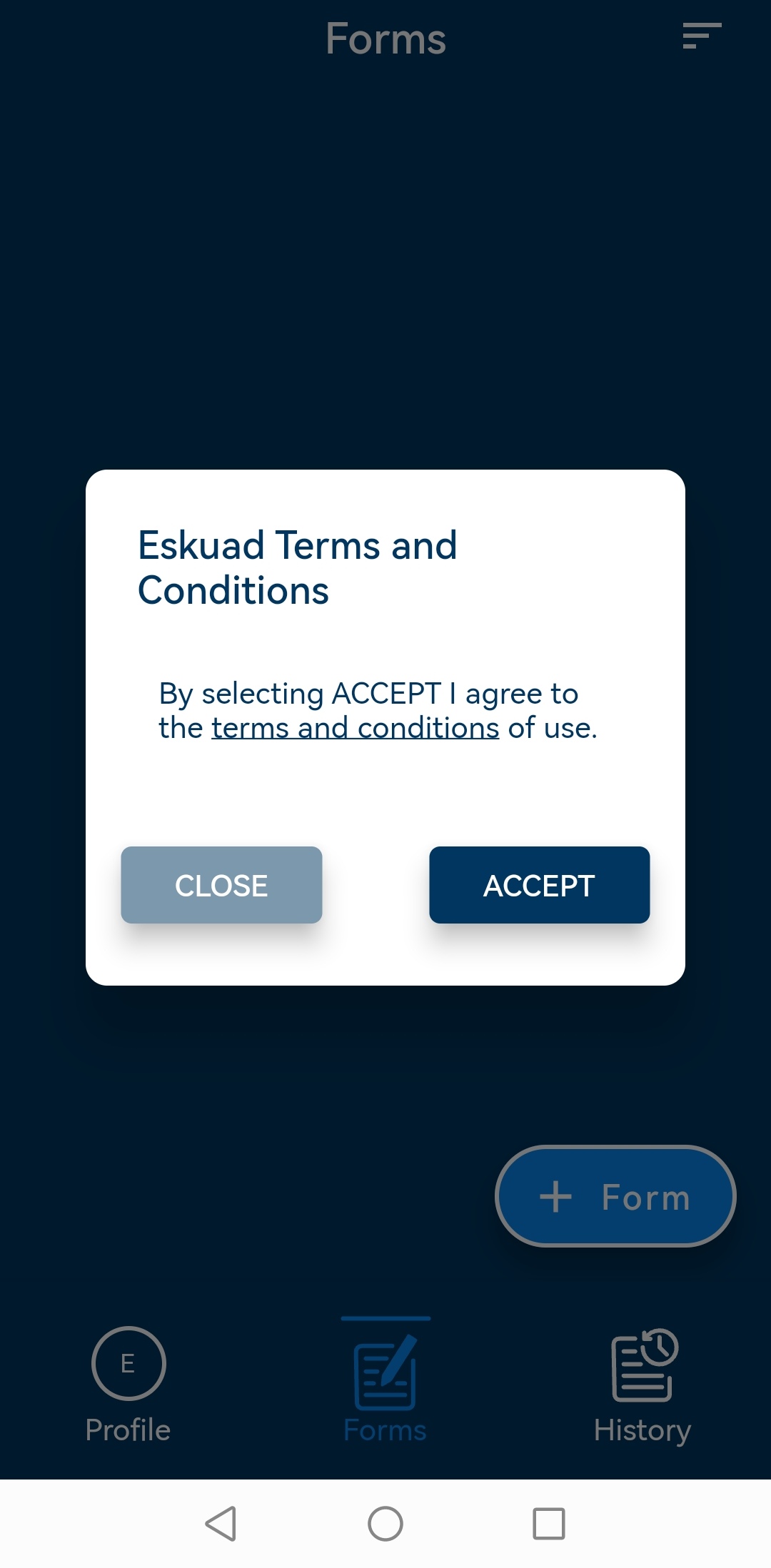
- You have successfully created a free Eskuad account. You can now log in with the account you just created either through the web panel(app.eskuad.com) or on the App. You can click the links below to access the application.